See the details
Frequency bars, radial crowns and waveform ribbons reveal different parts of the same sound. Bass, mids and highs can respond independently.
 AudioFlux
Give your music a bigger canvas.
AudioFlux turns sound around you into light, color and motion on your Roku. Pair the Android companion to react to your music, or switch to a built-in Demo and enjoy the visuals in silence.
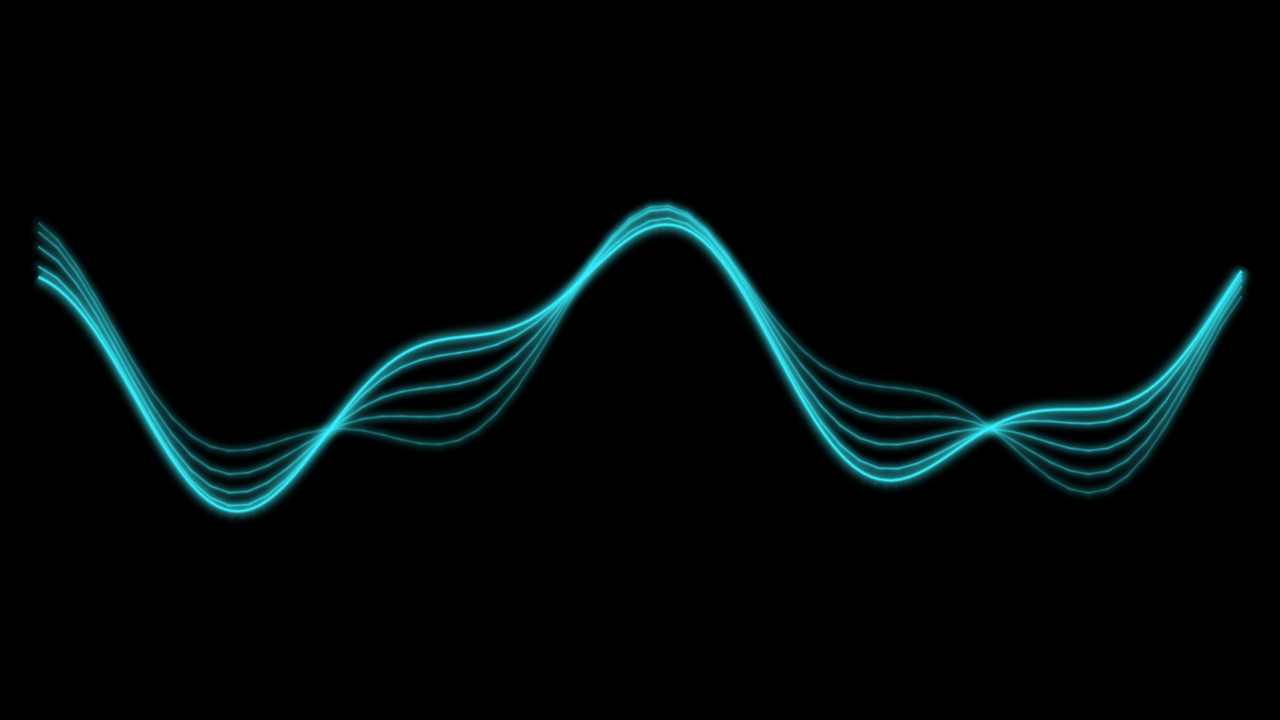
Oscilloscope Ribbon. A glowing waveform with fading echoes.
Rendered from the visualizer code, not device screenshots. Appearance varies with audio, settings and device.
01 / THE VISUALS
From the clarity of a spectrum to clouds of color and trails of neon. Stay with a favorite or change the atmosphere.
Frequency bars, radial crowns and waveform ribbons reveal different parts of the same sound. Bass, mids and highs can respond independently.
Choose Fixed for a familiar composition or Evolving for gradual, music-informed changes in supported effects. Your selected mode stays yours.
Choose palettes and tune each visualizer with its own controls. Adjust from the Roku remote or the companion, with choices saved between sessions.
THE CURRENT COLLECTION
02 / TWO WAYS IN
COMPANION / LIVE INPUT
Play music through your speakers, play an instrument, or let the sounds around you shape the screen. The Android companion analyzes the microphone signal on your phone and sends visualizer measurements to your Roku over your local network.
This is microphone input, not direct Spotify, Apple Music or TV-audio capture. Your phone needs to hear the sound. Keep the companion in the foreground.
DEMO / NO MICROPHONE
Demo feeds the same visualizers with bundled audio-analysis data. It plays no music and needs no phone pairing. Use it when you want a moving backdrop without making a sound.
03 / YOUR DEVICES
The Android app processes microphone audio on your phone. Levels, frequency bands, note energy and a reduced waveform preview go to your paired Roku. The native Android capture path does not save recording files.
Local traffic is unencrypted. Use AudioFlux only on a trusted network.
Read the privacy policy04 / COMING TO YOUR SCREEN
AudioFlux is in development. Public Roku and Google Play links will appear here when available.
No public iOS release is announced. A Roku is required for the visualizations; the Android app is the companion, not a standalone visualizer.
Some effects contain flashing lights and rapid movement. Pause or stop the visualizer if it feels uncomfortable.